Image Optimization for SEO: How Smaller Images Improve Website Rankings
Learn how image optimization improves SEO, page speed, and Core Web Vitals. Discover why smaller images rank better in search results.
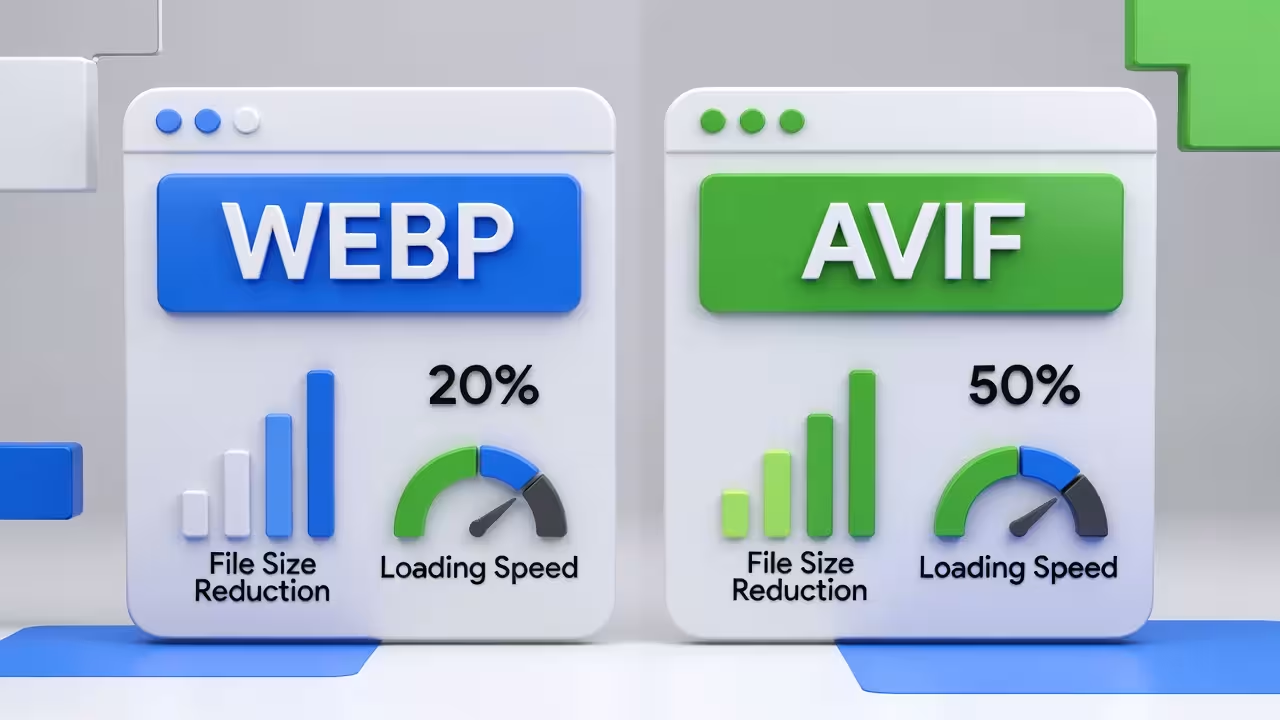
Image optimization is one of the most overlooked aspects of SEO, yet it has a direct impact on website speed, user experience, and search rankings. Images often account for the largest portion of a webpage’s total size. Without proper optimization, even a well-designed website can feel slow and unresponsive.
Search engines like Google prioritize fast-loading websites because speed directly affects user satisfaction. Optimized images load faster, reduce bandwidth usage, and help pages render smoothly across devices. This is why image optimization has become a core part of modern SEO strategies.
One of the most effective ways to optimize images for SEO is reducing file size without sacrificing visual quality. Large image files slow down page loading time and negatively impact Core Web Vitals metrics such as Largest Contentful Paint (LCP). By compressing images efficiently, websites can significantly improve these performance signals.
Modern image formats like WEBP and AVIF play a crucial role in image optimization. Compared to traditional formats like JPG and PNG, these formats offer much better compression efficiency. Smaller file sizes mean faster loading pages, better mobile performance, and improved crawl efficiency for search engines.
Image optimization is not only about compression. Proper image sizing, responsive images, and correct format selection all contribute to better SEO results. Serving images that are larger than necessary wastes bandwidth and slows down page rendering. Optimized images should match their display size and adapt to different screen resolutions.
Another important factor is user experience. Faster-loading images reduce bounce rates and keep users engaged longer. When visitors can see content quickly, they are more likely to scroll, interact, and convert. These behavioral signals indirectly support stronger SEO performance.
Using an online image optimization tool like Pixbiz makes the process simple and accessible. Pixbiz allows users to compress images and convert them into modern formats like WEBP and AVIF directly in the browser. This eliminates the need for complex software or manual optimization workflows.
Optimized images also benefit accessibility and content clarity. Clear visuals that load quickly improve the overall reading experience, especially on mobile networks. When combined with descriptive alt text and proper file naming, optimized images help search engines better understand page content.
For website owners, bloggers, and content creators, image optimization is one of the highest-impact SEO improvements with the lowest effort. A few optimized images can make a noticeable difference in page speed and overall site performance.
In conclusion, image optimization is essential for SEO success. Smaller images improve page speed, enhance user experience, and support better search engine rankings. By using modern image formats and reliable optimization tools like Pixbiz, websites can achieve faster loading times and stronger SEO performance without compromising visual quality.