Best Image Size for Social Media Post
Best image size for social media posts on Instagram, Facebook, X, LinkedIn, and Pinterest. Optimize image dimensions, quality, and file size.
Using the right image size for social media posts is one of the easiest ways to make your content look professional and perform better. Images that are too large can slow down loading times, while images that are too small may appear blurry or cropped incorrectly. Each social media platform has its own recommended image dimensions, and following them helps improve engagement, reach, and overall visual quality.
Social media platforms automatically compress uploaded images. If your image size and aspect ratio are not optimized, important details may be lost during this process. That’s why understanding the best image size for social media posts is essential for content creators, marketers, designers, and small business owners.
Instagram image size recommendations vary depending on the post type. For square posts, the ideal size is 1080 × 1080 pixels with a 1:1 aspect ratio. Portrait posts perform very well at 1080 × 1350 pixels (4:5), while landscape posts work best at 1080 × 566 pixels (1.91:1). Using these dimensions ensures your images stay sharp without unnecessary compression.
Facebook image size guidelines are slightly different. For standard feed posts, 1200 × 630 pixels is widely considered the best size. Square images at 1080 × 1080 pixels also work well across devices. Keeping images under recommended size limits helps Facebook maintain better image quality after compression.
X (Twitter) image size works best with a 16:9 ratio. The recommended size is 1200 × 675 pixels for single images. Images that are too tall may be cropped in the feed preview, so sticking to the correct aspect ratio is important for visibility.
LinkedIn image size for posts is ideally 1200 × 627 pixels. This size fits perfectly in the LinkedIn feed and keeps images looking clean and professional, especially for business and personal branding content.
For platforms like Pinterest, vertical images perform best. The recommended image size is 1000 × 1500 pixels with a 2:3 aspect ratio. Taller images may be truncated in the feed, while smaller images may lose visual impact.
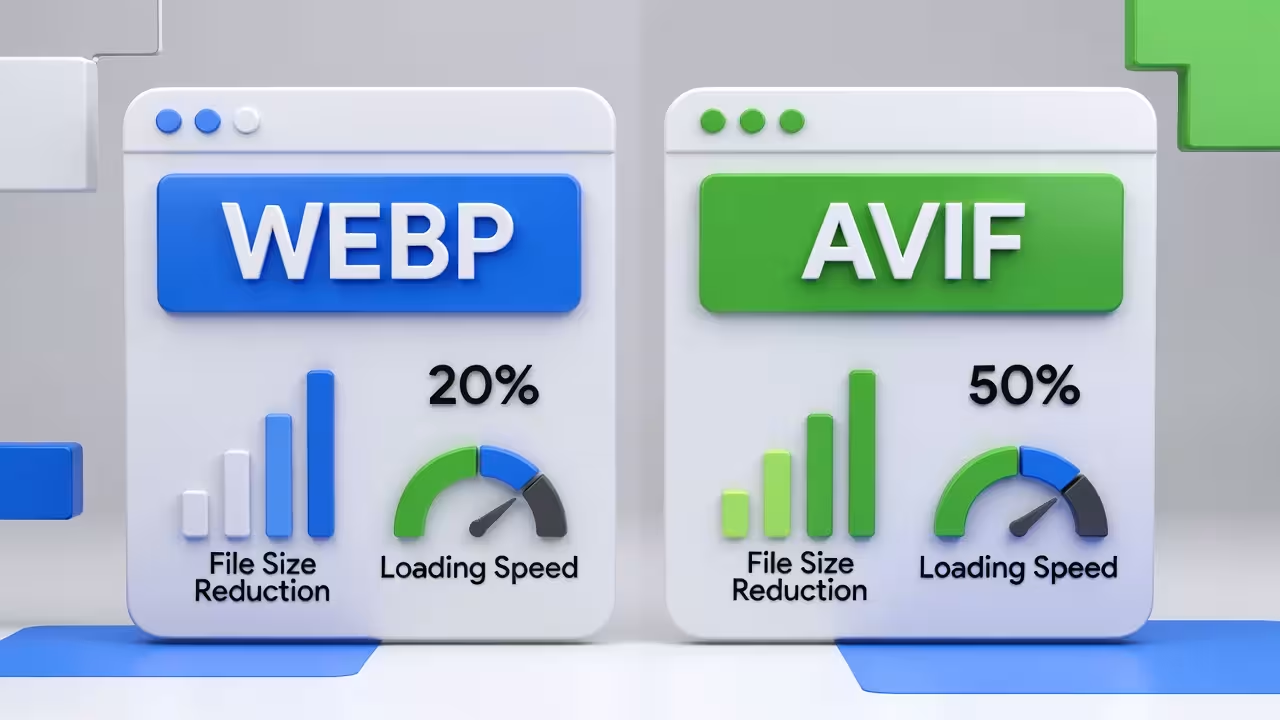
Beyond dimensions, image format and file size also matter. Using modern image formats like WEBP or AVIF can significantly reduce file size without noticeable quality loss. Smaller image files load faster, upload quicker, and are less likely to be aggressively compressed by social media platforms.
With an online image converter like Pixbiz, you can easily resize, convert, and optimize images for social media. Pixbiz helps reduce image file size while preserving visual quality, making your posts look sharp across all platforms.
Optimizing images before uploading also improves workflow efficiency. Instead of uploading large files and relying on platform compression, preparing images in the correct size and format gives you full control over quality. This is especially useful for brands, content creators, and agencies managing multiple social media accounts.
In conclusion, the best image size for social media posts depends on the platform, but the goal is always the same: clear visuals, correct aspect ratios, and optimized file sizes. By following recommended dimensions and using image optimization tools, you can improve engagement, maintain visual consistency, and ensure your social media content always looks its best.