
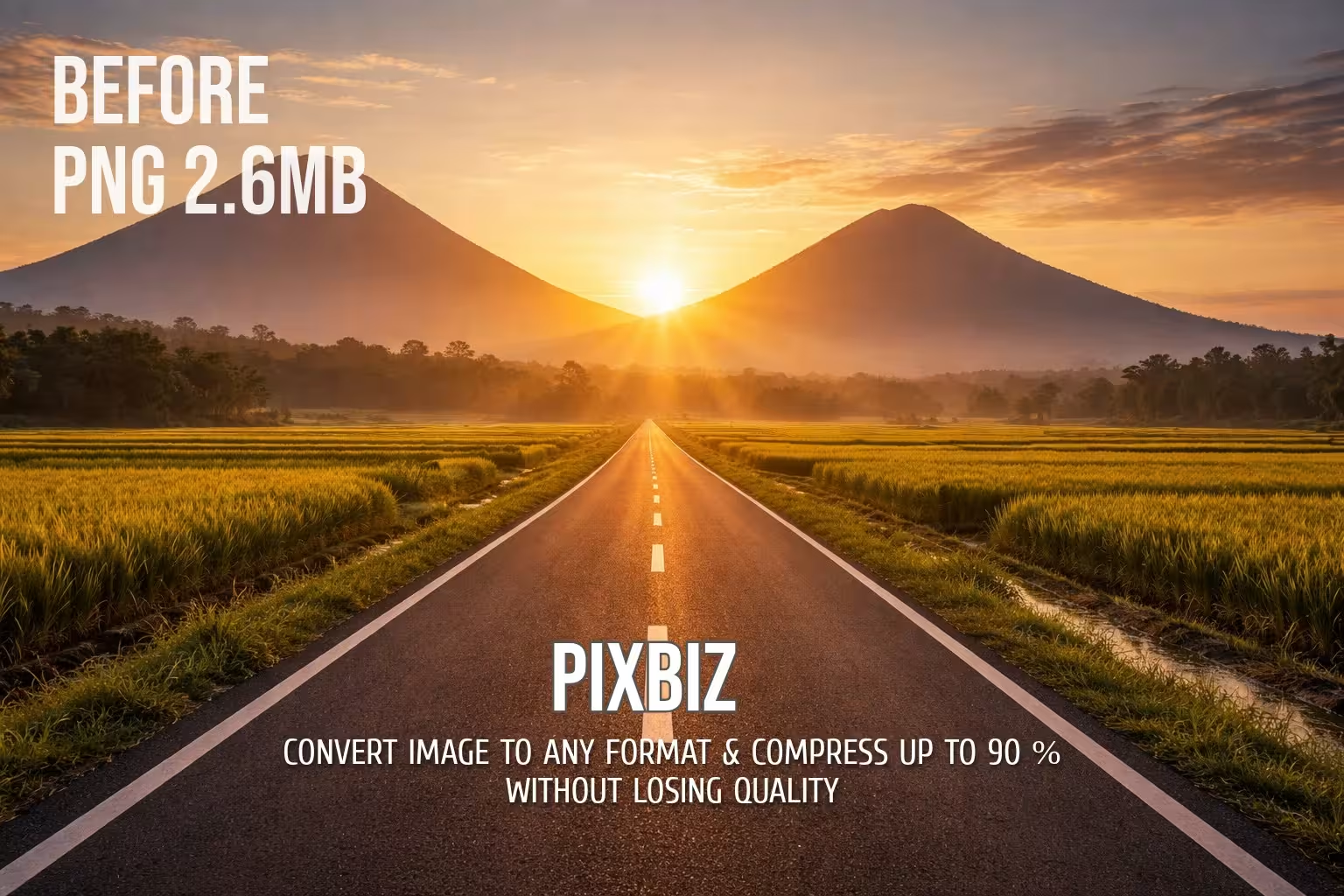
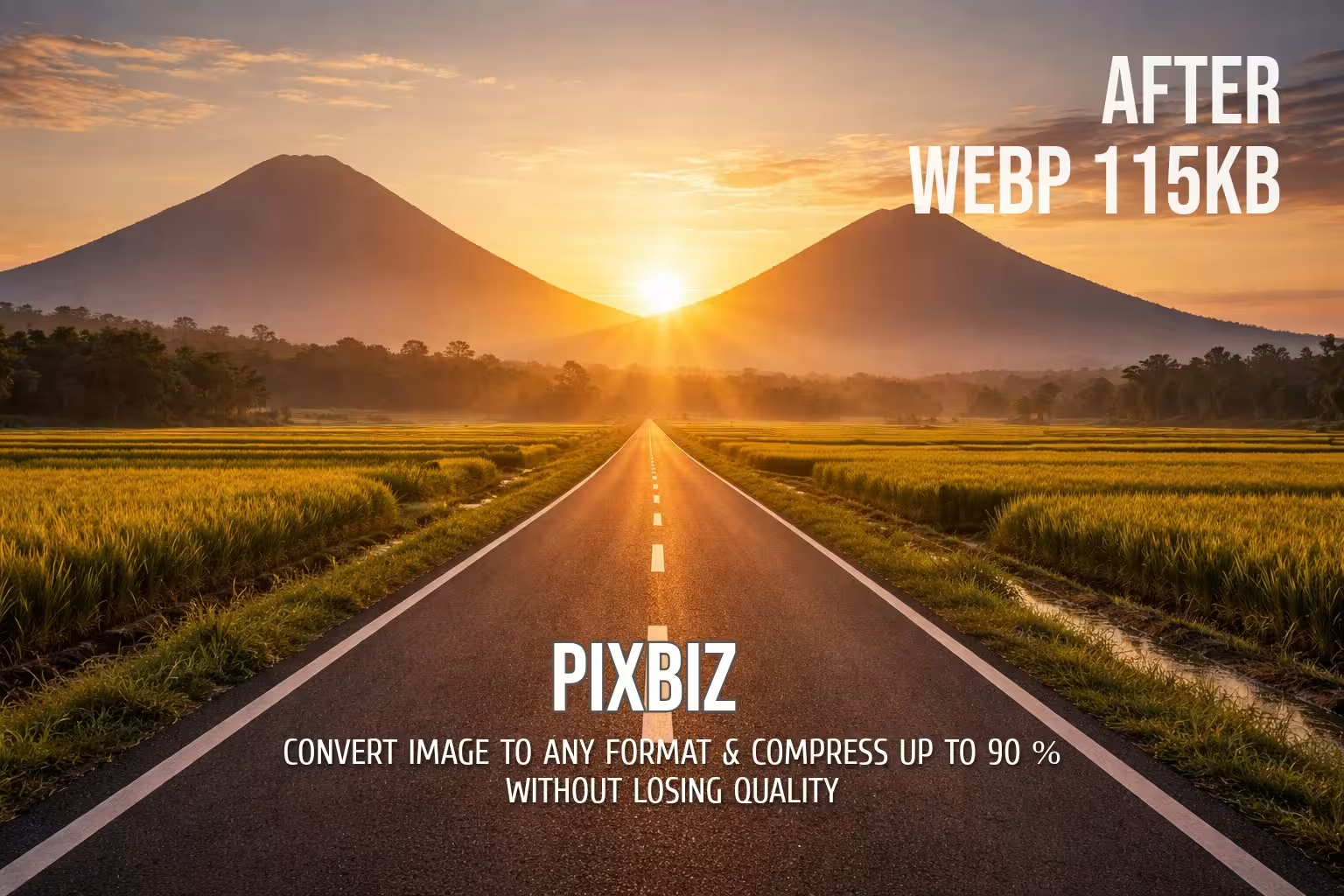
Pixbiz – Your Go-To Solution for Smart Image Conversion and Optimization
Pixbiz is a robust online tool built to help both professionals and everyday users handle image files quickly and effectively. In a digital landscape where speed, performance, and storage efficiency matter more than ever, selecting the right image format can make a real difference whether you're aiming to accelerate website load times, improve SEO rankings, or simply save space without compromising quality.
With Pixbiz, you can effortlessly convert images to modern, high-efficiency formats such as WEBP, AVIF, PNG, JPG, and JPEG while keeping visual quality crisp and professional. One of our standout features is intelligent compression that delivers dramatic size reductions with virtually no perceptible loss in detail.
Pixbiz Compress Image 12 MB to 200 KB

For example, many of our users successfully compress high-resolution images from 12 MB down to around 200 KB, perfect for maintaining stunning clarity while dramatically improving page speed and reducing bandwidth costs.
What sets Pixbiz apart is its advanced optimization engine, enhanced by Cloudinary integration, which routinely achieves up to 70%-90% file-size reduction (depending on the starting format and chosen settings). Every kilobyte saved counts, especially for web developers, designers, bloggers, e-commerce teams, and content creators who constantly juggle quality and performance.
Our image conversion process is built with a clean, user-friendly interface. You can upload images directly from your device or convert images using a remote URL. This flexibility allows seamless integration into your existing workflow without the extra step of downloading files to local storage first.
Why WEBP and AVIF Are Worth Switching To
WEBP has established itself as the go-to web format, delivering better compression than traditional JPEG and PNG while supporting transparency and even animation. AVIF takes this a step further, offering next-level efficiency and outstanding visual fidelity often the best choice when you want maximum quality at minimal size. Pixbiz makes moving to these forward-looking formats simple and reliable.
The entire process is designed with ease of use in mind. Our clean, intuitive interface lets you upload files directly from your device. This flexibility fits smoothly into your existing workflow, whether you're optimizing assets on the fly or batch-processing content.
Who Benefits Most from Pixbiz?
Website owners and bloggers turn to it to shrink images and boost loading speeds for stronger SEO results. Web developers adopt WEBP and AVIF to cut bandwidth usage while preserving premium visual quality.
Graphic designers and content creators appreciate the fast, format-agnostic conversion when preparing visuals for websites, social platforms, or client deliverables.
Even students, freelancers, and casual users rely on it to quickly reduce photo sizes for easier sharing, emailing, or cloud storage.
Whether you're searching for a dependable online image converter, a powerful compression tool, or a way to future-proof your visuals without sacrificing quality, Pixbiz delivers a straightforward, efficient solution you can trust.
FAQs
What is Pixbiz?
Pixbiz is a free online image converter and optimizer that allows you to convert images from any format to modern formats like WEBP, AVIF, PNG, and JPG while reducing file size up to 90% without noticeable quality loss.
How does Pixbiz reduce image file size?
Pixbiz uses advanced image compression techniques to remove unnecessary data while preserving visual quality, helping you reduce file size for faster website loading and easier storage.
Which image formats can I convert with Pixbiz?
You can convert images to popular formats such as WEBP, AVIF, PNG, JPG, and JPEG, making it easy to optimize images for websites, social media, or personal use.
Is Pixbiz really free to use?
Yes, Pixbiz is completely free and works directly in your browser without requiring downloads, subscriptions, or hidden fees.
Will image quality be affected after compression?
Pixbiz is designed to maintain high visual quality while compressing images. In most cases, the difference is barely noticeable to the human eye.
Why should I use WEBP or AVIF instead of JPG or PNG?
WEBP and AVIF are modern image formats that offer better compression than JPG and PNG, which means smaller file sizes and faster website performance without sacrificing image clarity.
Is it safe to upload images to Pixbiz?
Yes, images are processed securely and are not stored permanently. Files are automatically removed after the conversion process is completed.
Do I need to install software to use Pixbiz?
No installation is required. Pixbiz works entirely online, allowing you to convert and compress images directly from your web browser.
Can Pixbiz help improve my website’s SEO?
Yes, optimized images load faster, which improves page speed—a key ranking factor in search engines. Smaller images also reduce bandwidth usage and improve user experience.
What is the best format for web images?
WEBP is generally the best choice for most websites due to its balance of quality and compression, while AVIF offers even smaller sizes for advanced optimization needs.
Why I can't upload WEBP?
WEBP detected as optimized format, so system refused to process